Online booking needs two things from the business owner: at least one employee with working hours, and a few seconds each day to confirm new appointments. Customers then book on the listing page as described in Booking an Appointment Online.
Setting up employees
User Panel › Appointments › Employees
An employee is anyone customers can book: a hairdresser, a doctor, a consultant, or simply the business itself if one person does everything.
- Enter the First Name and Last Name, and optionally the phone and email.
- Under Working Hours, choose a day, a start time and an end time, and click Add. Repeat for every working day. Add two ranges for the same day for a lunch break, for example 09:00–12:00 and 13:00–18:00.
- Choose the Appointment Duration, from 15 minutes to 3 hours.
- Choose the Break between appointments, used for cleaning, travel or preparation.
- Click Submit.
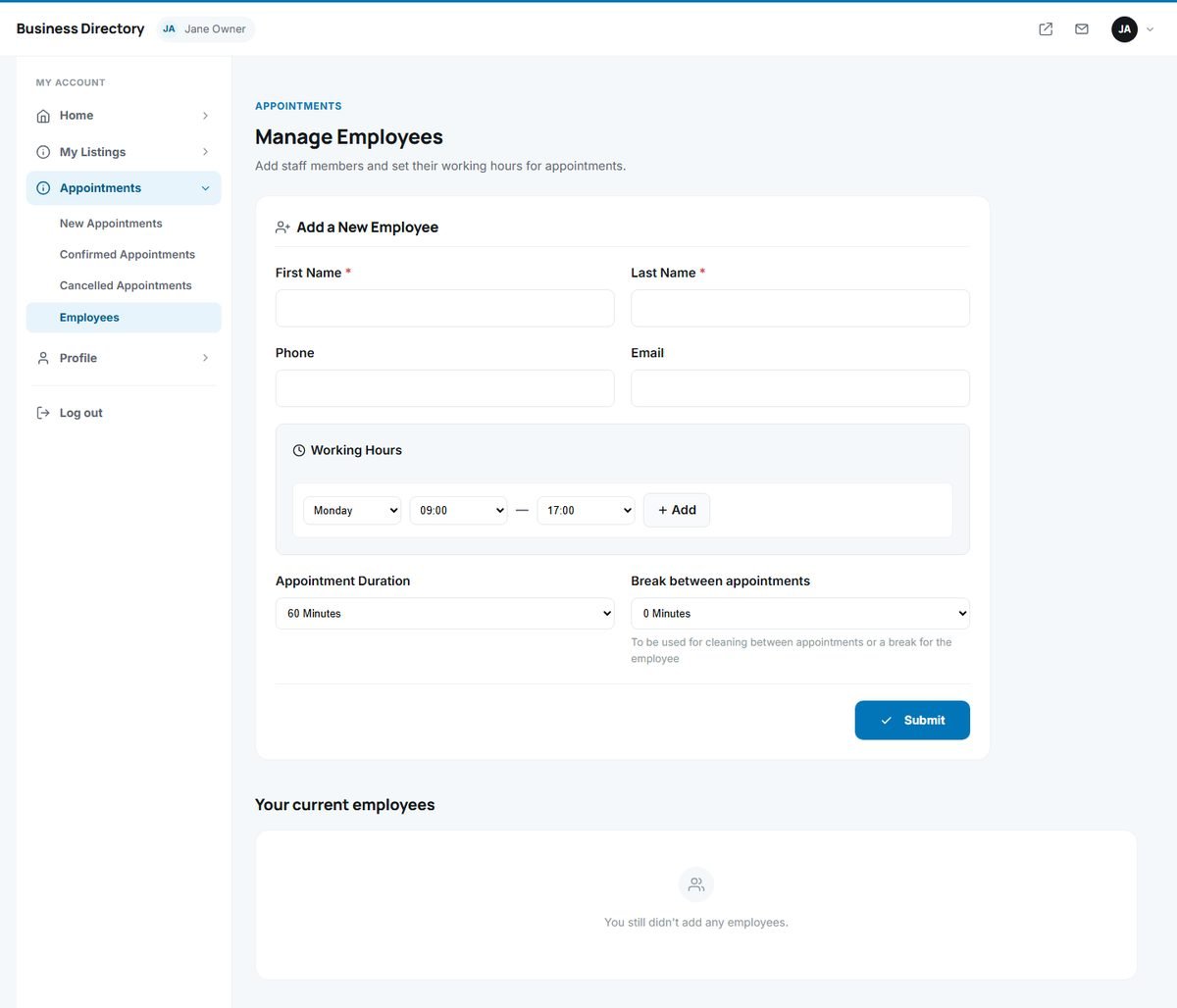
The employee appears under Your current employees, where you can edit or delete them. The booking calendar on the listing page is updated immediately.
Confirming appointments
User Panel › Appointments › New Appointments
New bookings arrive here with the customer's name and contact details, the employee, the date and time and the customer's comments.
- Confirm accepts the appointment. It moves to Confirmed Appointments and appears among the upcoming appointments on the dashboard.
- Cancel declines it. It moves to Cancelled Appointments and the time slot becomes free again.
- Delete removes it completely.
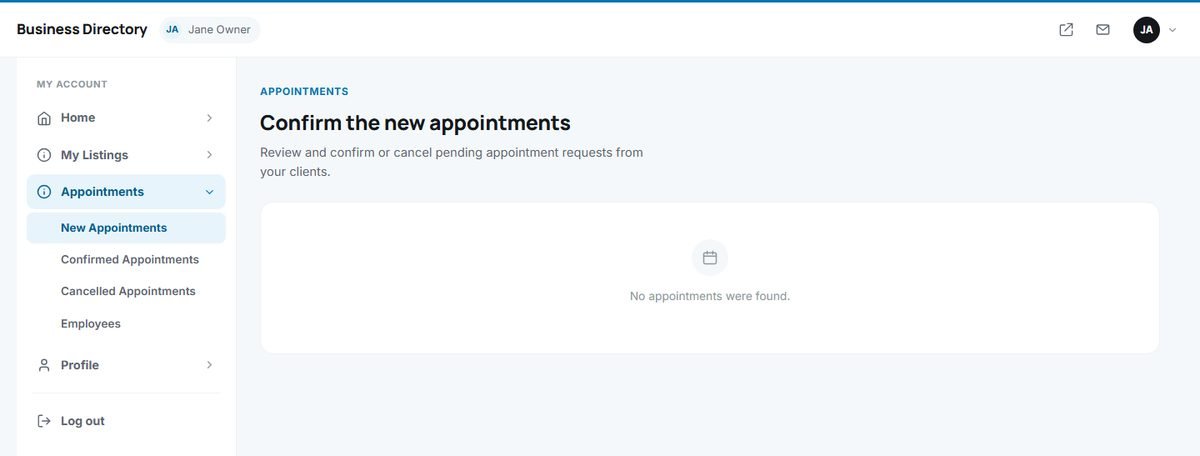
Confirm or cancel new appointments quickly: customers expect an answer the same day, and a quick confirmation is the best advertisement for online booking.