Admin Panel › Directory Settings › Custom Fields
Custom fields add your own questions to the listing form. Owners fill them in when they add or edit a listing, and the answers are shown on the listing page.
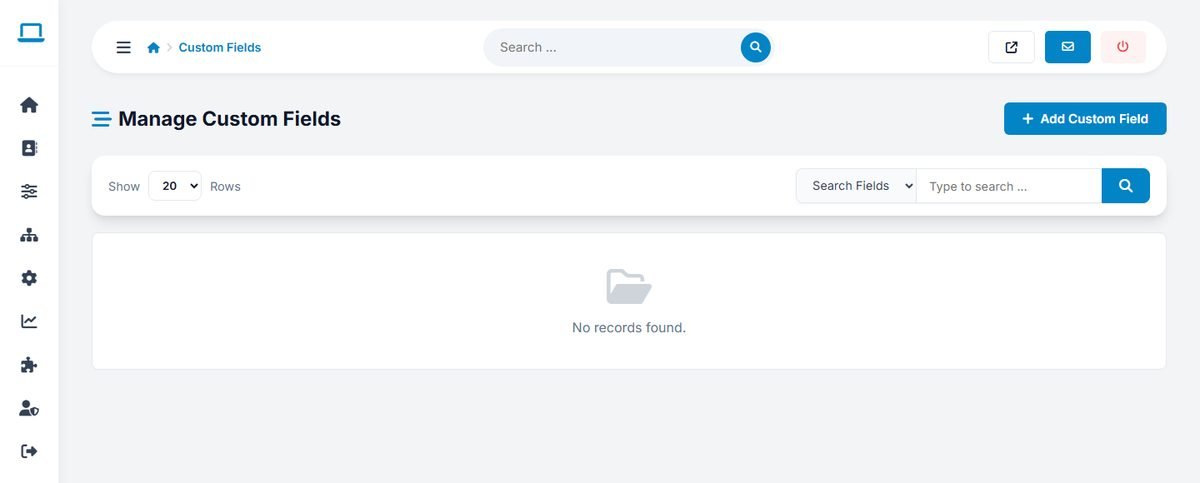
Adding a field
- Click Add Custom Field.
- Enter the Field Name, for example "Price range".
- Optionally enter the Possible Values, one per line. With values, the field is a drop-down menu; without values, it is a free text field.
- Click Save Field.
Field Name:       Price range
Possible Values:  $
                  $$
                  $$$
                  $$$$
Ideas by niche
| Directory | Useful custom fields |
|---|---|
| Restaurants | Cuisine, Price range, Outdoor seating, Reservations |
| Lawyers and consultants | Languages spoken, Free first consultation, Years of experience |
| Wedding suppliers | Capacity, Price from, Service area |
| Health and beauty | Accepts insurance, Wheelchair access, Parking |
Keep the number of fields small. Every extra question makes the listing form longer, and long forms are left unfinished.