Content pages help visitors and search engines. All of them are managed in the admin panel without any HTML knowledge.
Blog (news)
The Blog page lists your news articles with their cover images, newest first, with a search box and a list of recent posts. Each article has its own page and friendly URL. Articles are written in Website › News; see News (Blog) and FAQ Management.
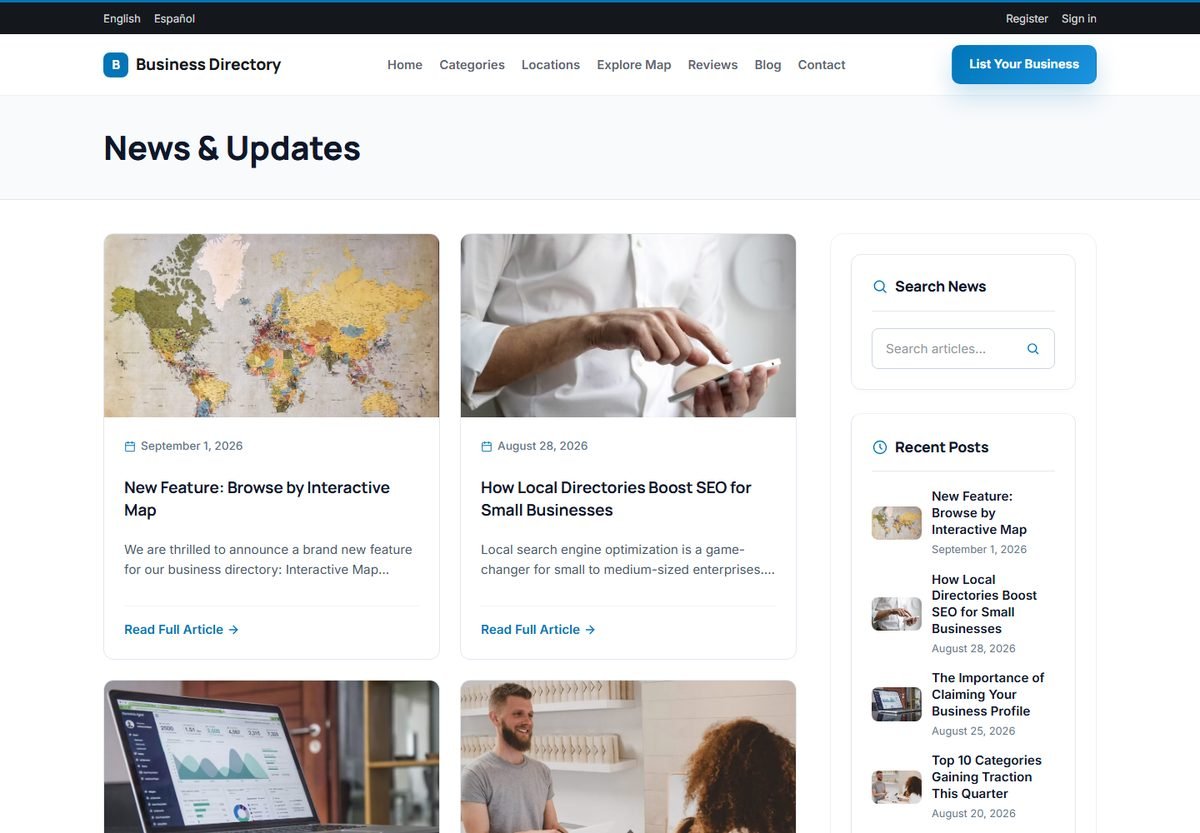
Articles such as "The 10 best coffee shops in Seattle" bring visitors from search engines and give you a reason to link to your listings. They are also a good offer for paying businesses.
FAQ
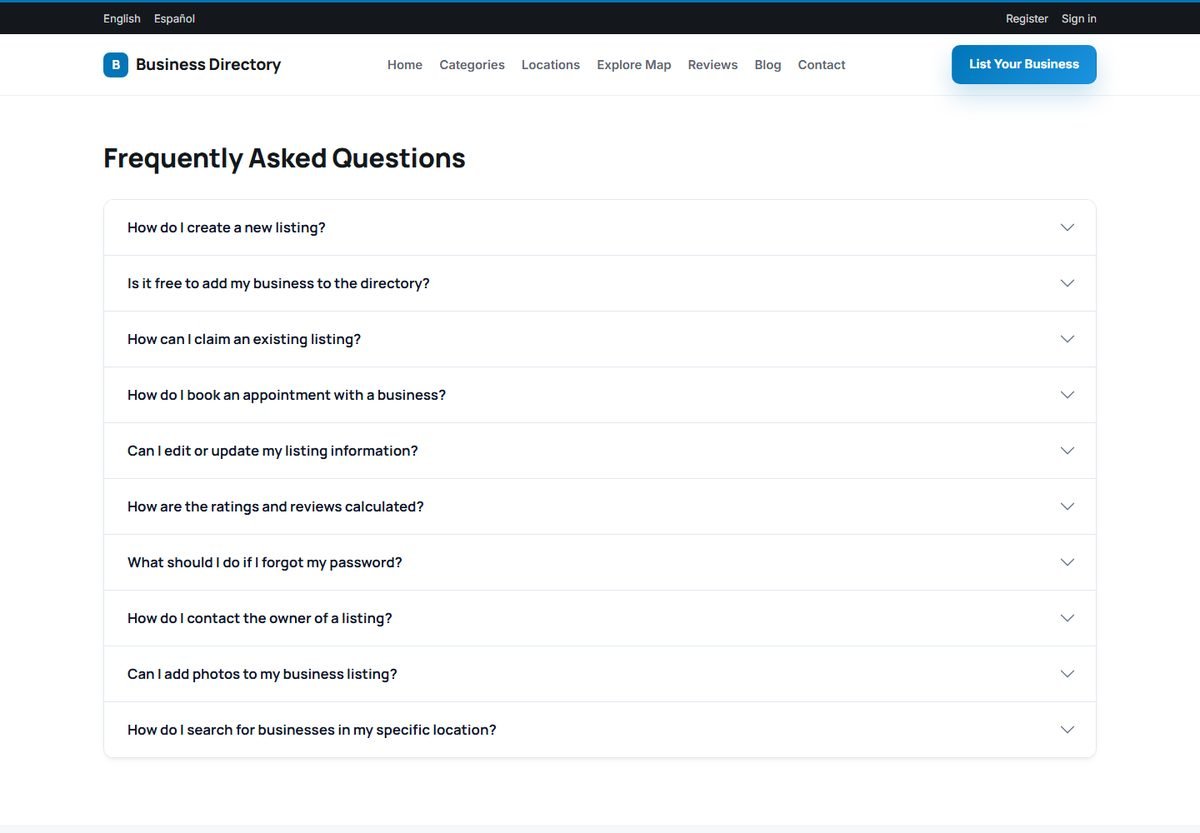
The FAQ page shows your frequently asked questions as an accordion: clicking a question opens its answer. The demo questions explain how to add, edit and claim a listing, how to book an appointment, how reviews work and how to search; edit them to match your directory.
Contact page
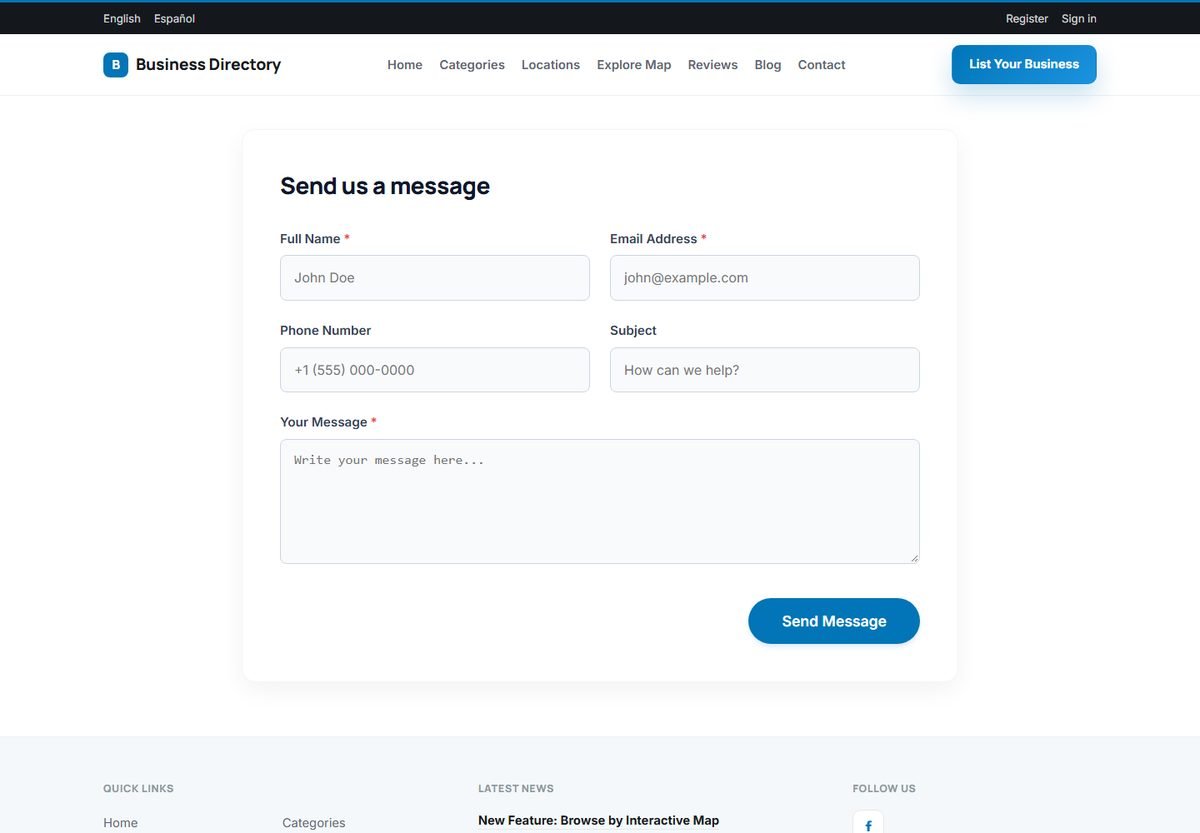
The Contact page has a form with the visitor's name, email address, phone number, subject and message. Messages are emailed to the Admin Contact Email address and saved in Admin Panel › Home › Messages.
Your own pages
You can add any number of pages, such as "About us", "Advertise with us" or "Terms of use", and choose where they appear in the menu. See Website Pages and Menu.