News articles
Admin Panel › Website › News
The News Manager lists your articles with their cover image, title, publication date, number of views and status. They appear on the Blog page of the website and in the latest news box of the footer.
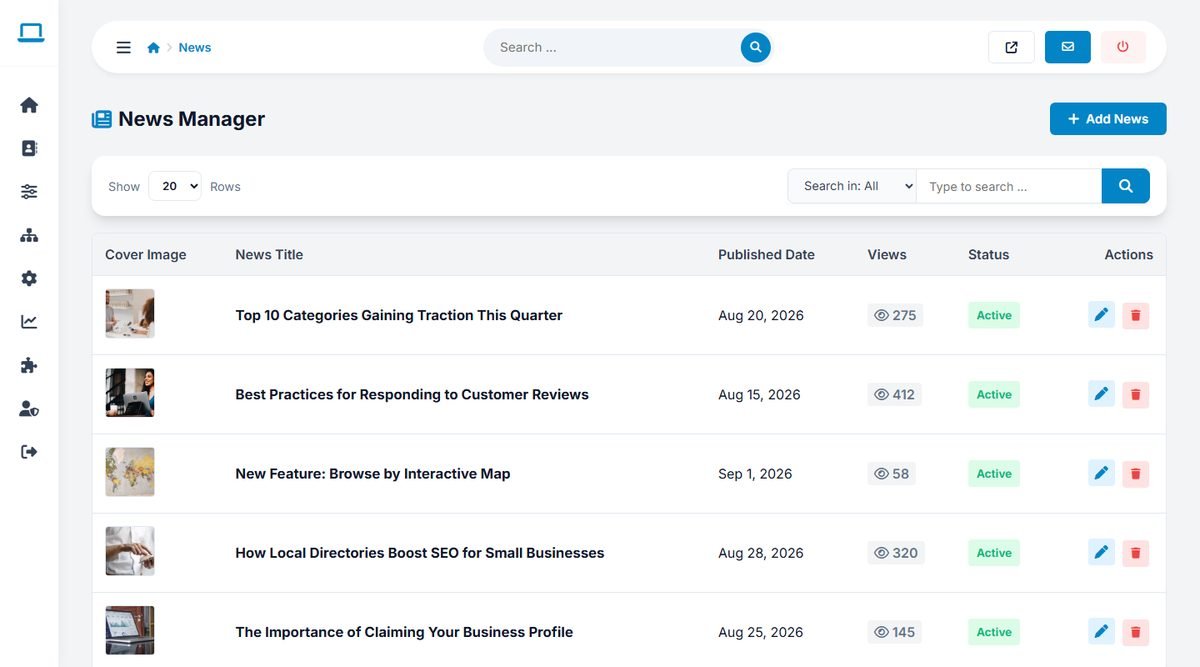
Click Add News to write an article:
- Article Title and URL Slug for each language. The slug is generated from the title when empty.
- Article Content in the visual editor. With AI enabled, the AI Writing Assistant drafts the article from the title and your notes.
- Cover Image, shown on the Blog page and when the article is shared.
- Active (Published), to publish or hide the article.
Write for the searches your visitors make: "best bakeries in Portland", "how to choose a wedding photographer", "new businesses in town this month". Link to the listings you mention; businesses like being featured and share the article.
FAQ
Admin Panel › Website › FAQ
The FAQ Manager lists the questions in their display order, with their status.
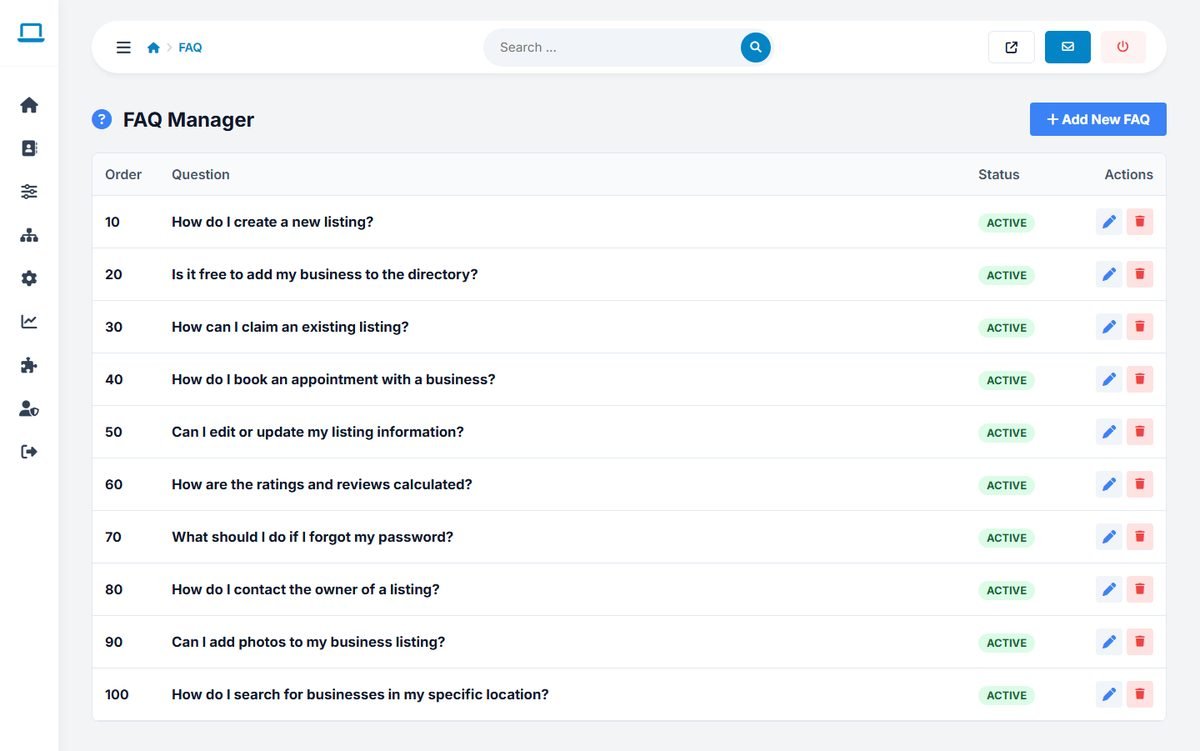
Click Add New FAQ, enter a number for the order (lower numbers come first; steps of 10 leave room for later questions), the question and the answer for each language, and the status. Answers can contain links, for example to the add listing page or the packages.
Update the demo questions to match your own rules, prices and review policy before launch.