Admin Panel › Settings › Configuration Options
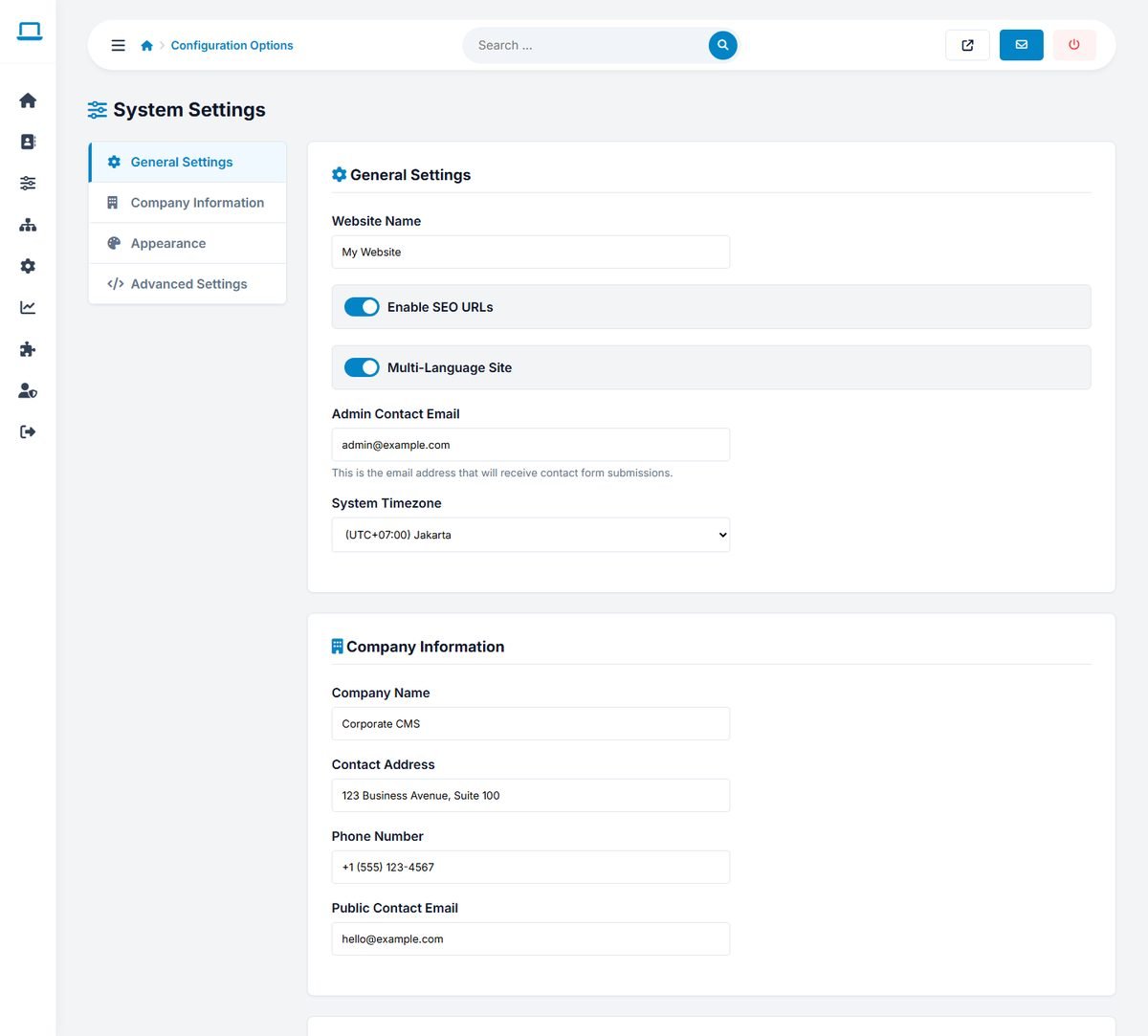
The System Settings page has four tabs: General Settings, Company Information, Appearance and Advanced Settings. Click Save All Settings after changes.
General settings
| Setting | Meaning |
|---|---|
| Website Name | The name of your directory, used in titles and emails. |
| Enable SEO URLs | Uses friendly URLs such as /en-listing-hudson-yoga-wellness-8 instead of index.php?mod=details&id=8. Needs the .htaccess file and Apache mod_rewrite. |
| Multi-Language Site | Shows the language selector and adds the language code to URLs. |
| Admin Contact Email | Receives the messages from the contact form. |
| System Timezone | Used for dates and for the "Open now" badge on listings. Choose your directory's time zone. |
Company information
Your Company Name, Contact Address, Phone Number and Public Contact Email. Templates can show them with the tags <site company_name/>, <site contact_address/>, <site contact_phone/> and <site contact_email/>.
Appearance
When Apply these colors and fonts to the template is on, the Primary Accent Color, Secondary Color, Typography Font, Button Shape and Footer Background replace the active template's own design. When it is off, each template keeps its original colors and fonts. See Templates, Logo and Appearance.
Advanced settings and maintenance mode
- Google Analytics ID: the measurement ID of your Google Analytics property (G-XXXXXXX). It can also be set in Tracking Codes.
- Enable Maintenance Mode: shows a "Down for Maintenance" page to visitors while you work on the website. Logged-in administrators still see and use the website normally. Remember to switch it off afterwards.
Tracking codes
Admin Panel › Settings › Tracking Codes
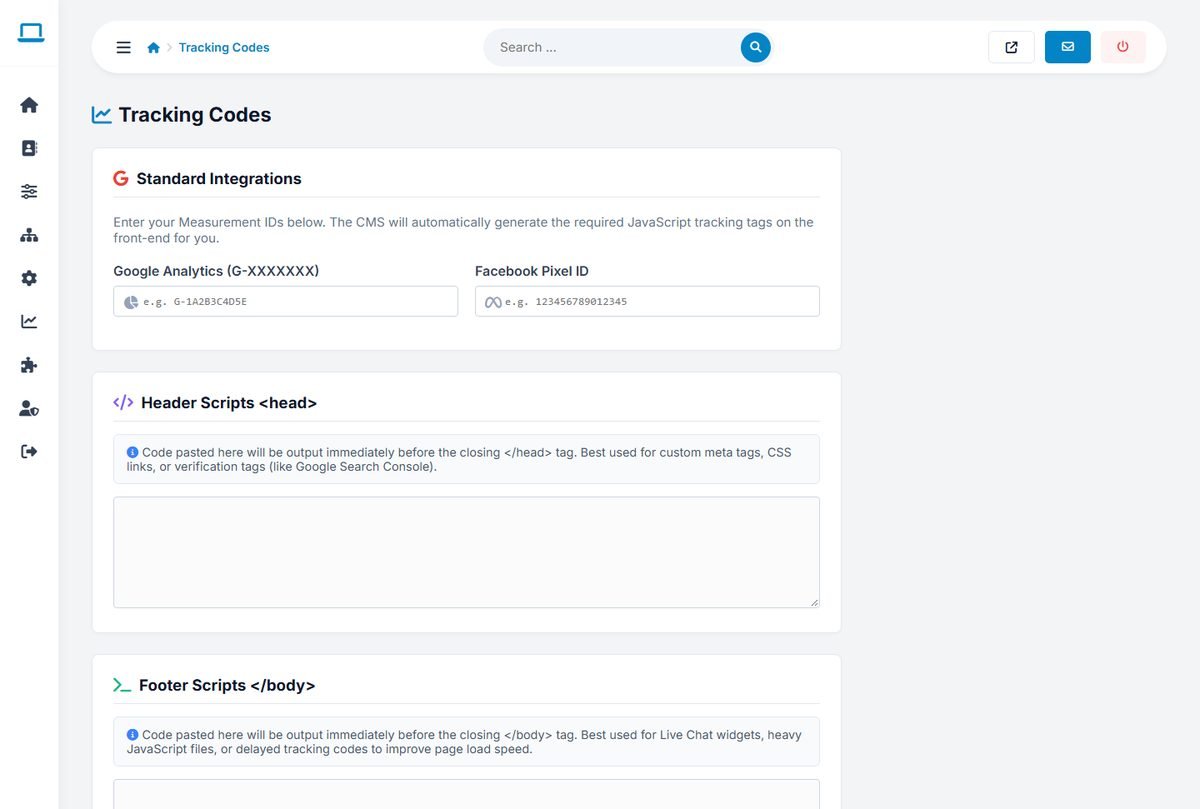
- Google Analytics and Facebook Pixel ID: enter only the IDs; the tracking code is added to every page automatically.
- Header Scripts: code added before
</head>, for example the Google Search Console verification meta tag or another analytics service. - Footer Scripts: code added before
</body>, for example a live chat widget.
Depending on your visitors' country, analytics and advertising pixels may require a cookie consent banner. A consent tool can be added with the Header Scripts field.
Social media
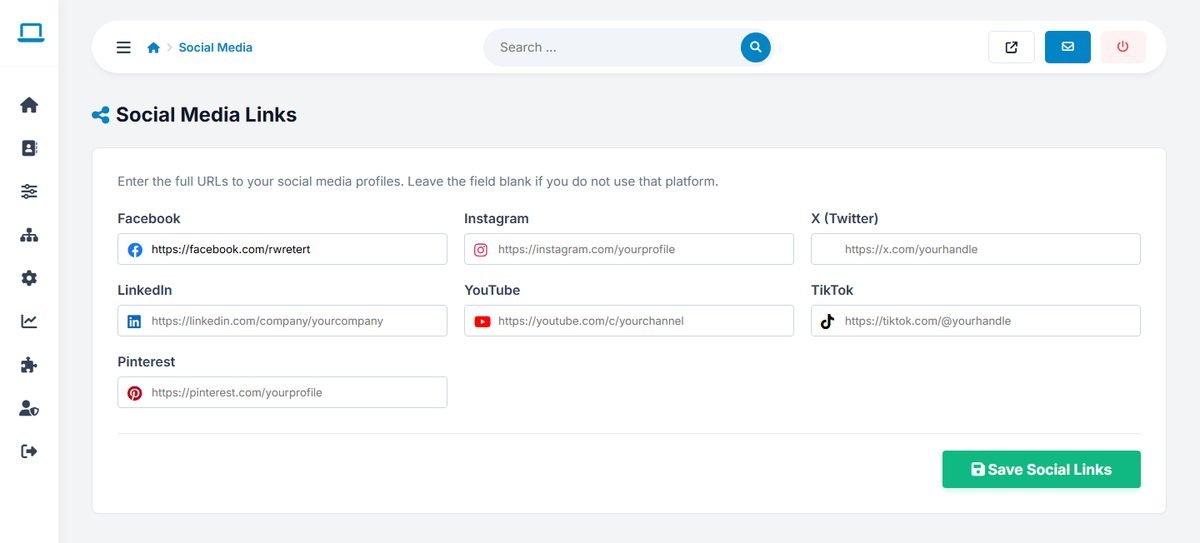
Admin Panel › Settings › Social Media
Enter the full addresses of your profiles on Facebook, Instagram, X (Twitter), LinkedIn, YouTube, TikTok and Pinterest. Icons for the profiles you fill in appear in the "Follow us" area of the website footer; empty fields are skipped.