The Profile section holds the account details. They are separate from the contact details of each listing, which are edited in the listing form.
Contact details
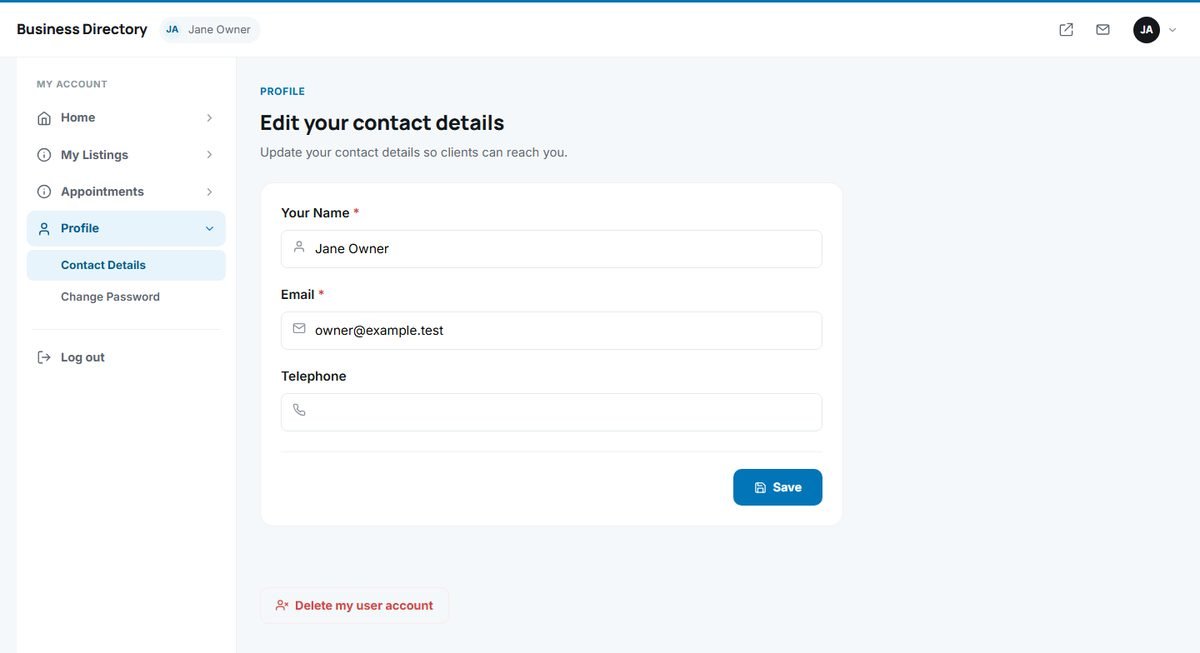
User Panel › Profile › Contact Details
Update Your Name, Email and Telephone and click Save. The email address is used for messages from the directory and for password resets, so keep it current.
Changing the password
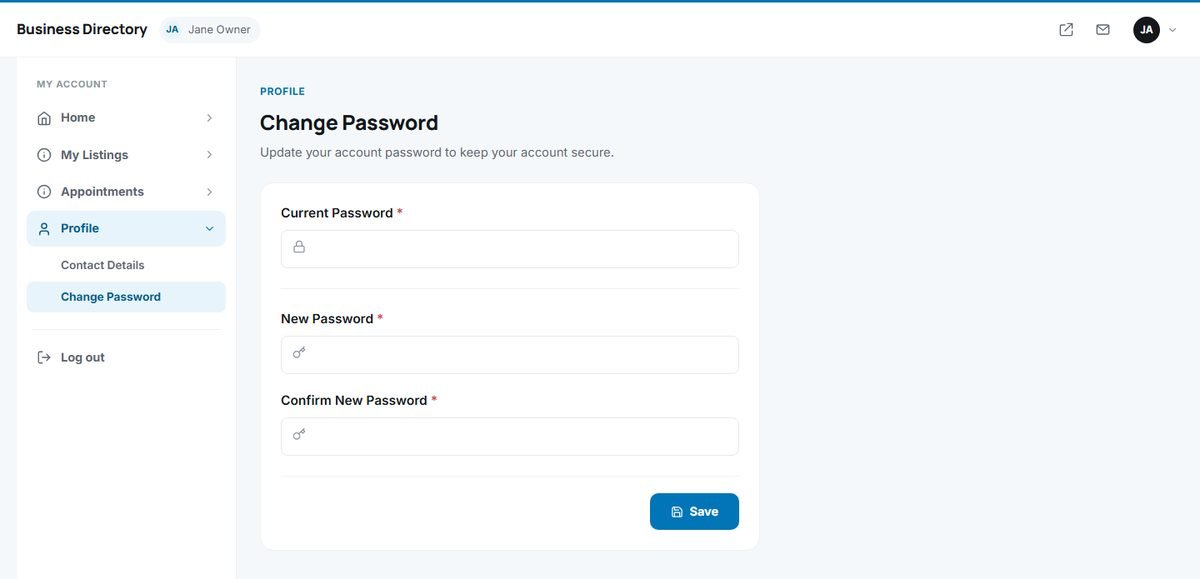
User Panel › Profile › Change Password
Enter the Current Password, then the New Password twice, and click Save. Use a long password that you do not use on other websites.
Deleting the account
At the bottom of the Contact Details page, Delete my user account removes the account after a confirmation. Ask the directory administrator first what should happen to your listings; the deletion cannot be undone.