Search results, category pages and location pages all use the same results page. A category page is simply a search filtered by that category, which means visitors can combine it with a location, a keyword or a minimum rating.
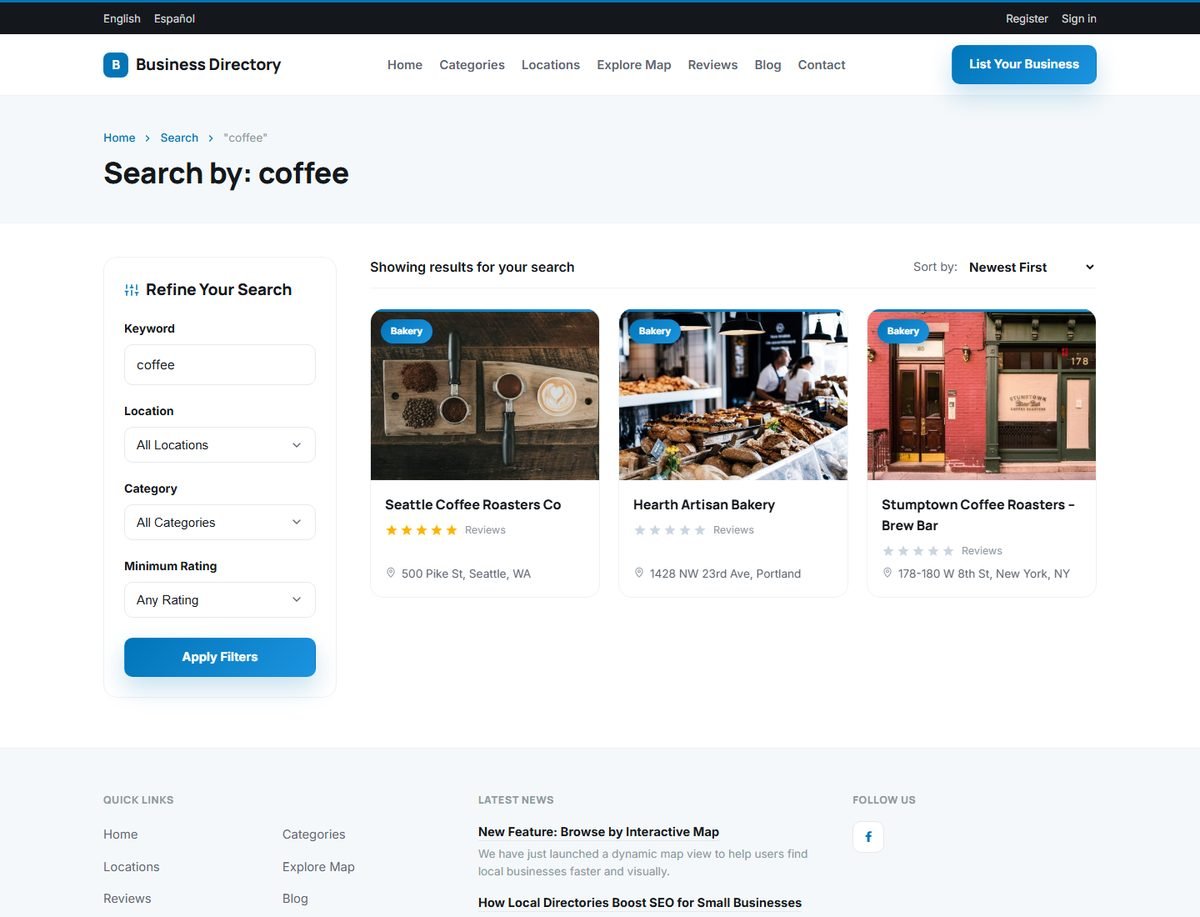
Filters
The Refine Your Search panel has four filters:
| Filter | What it does |
|---|---|
| Keyword | Matches words in the business name, description and address. |
| Location | Limits the results to a country, state or city, including all locations below it. |
| Category | Limits the results to a category, including its subcategories. |
| Minimum Rating | Shows only businesses rated 1 Stars & Up to 5 Stars, based on their reviews. |
Click Apply Filters to update the results.
Sorting and paging
The Sort by menu orders the results by Newest First, Oldest First, Alphabetical (A-Z) or Highest Rated. Until the visitor picks a sort order, featured listings are shown first. The number of results per page is set with Results Per Page in Directory Configuration Options.
Category pages
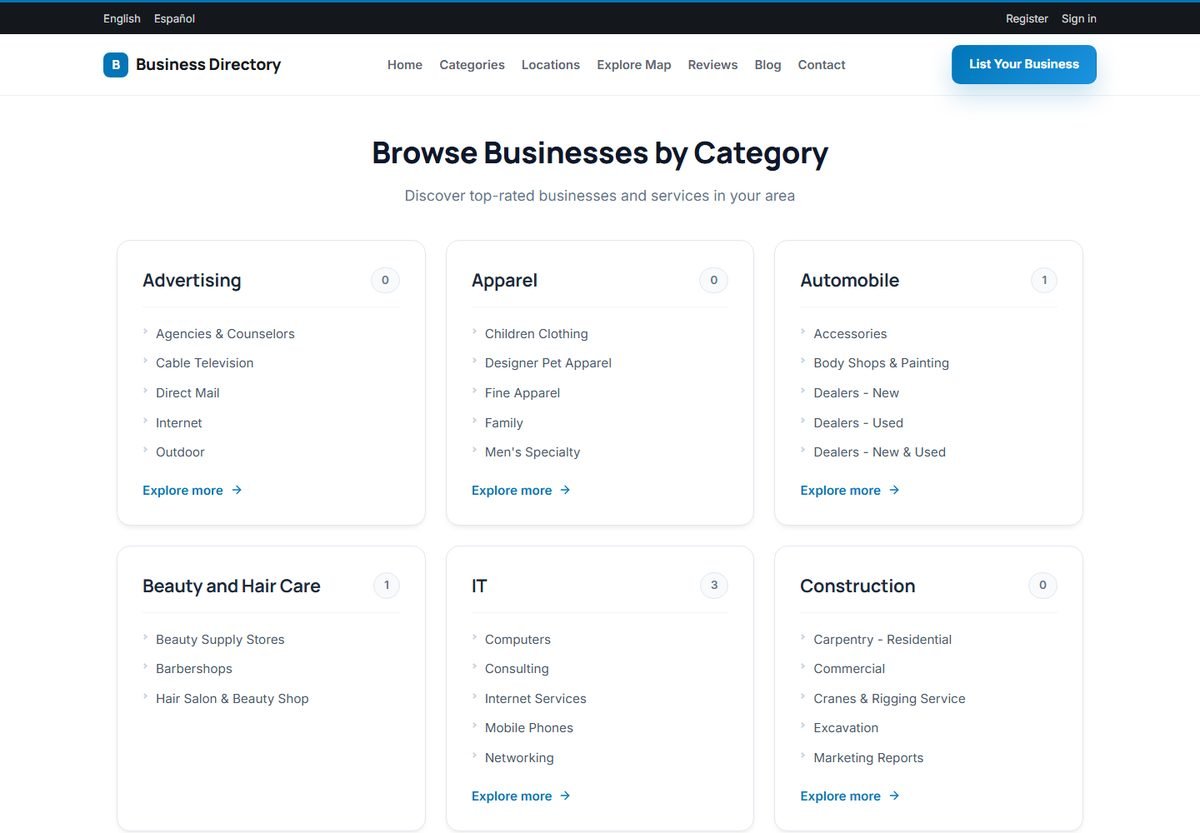
The Categories page lists all main categories with their subcategories and the number of listings in each one. Clicking a category opens its results page, with a friendly URL such as /en-category-it-50.
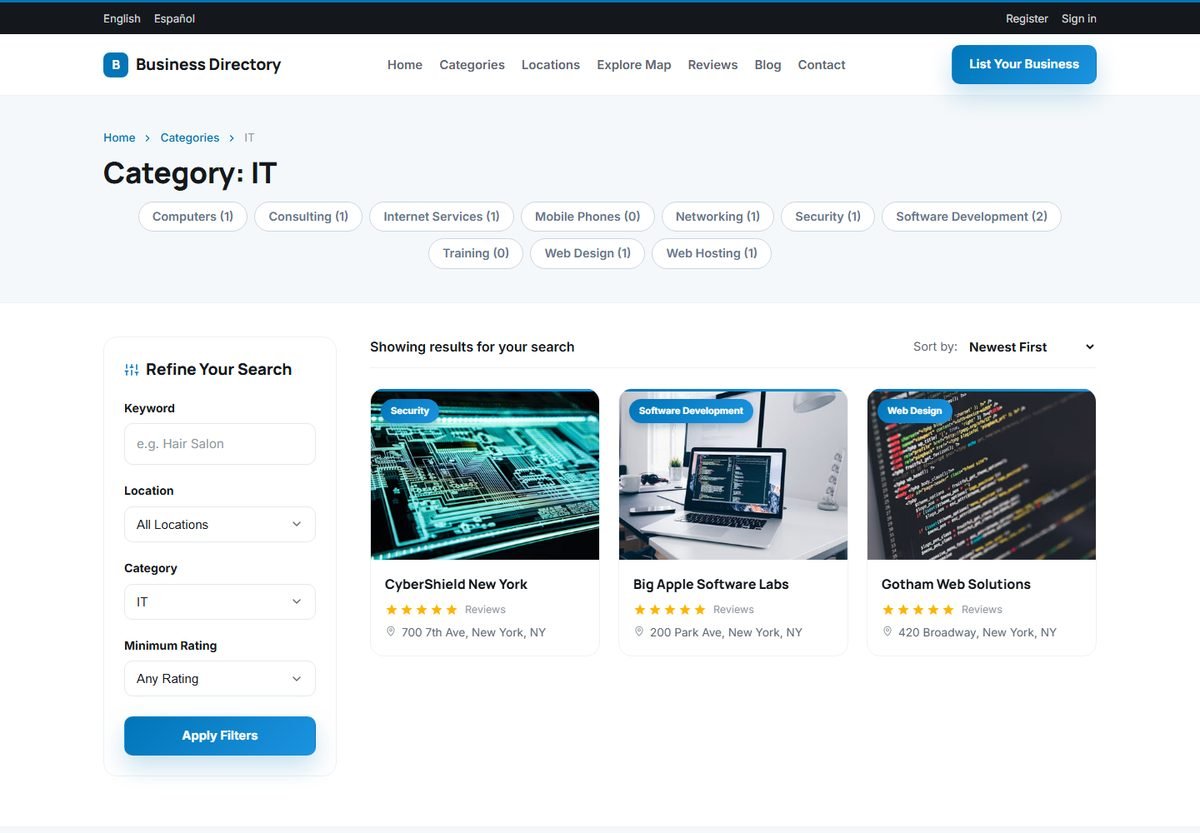
For each category you can write your own page title, meta description and introduction text, which appear on its page. This is an important SEO tool; see SEO: URLs, Titles, Sitemap and Structured Data.
Location pages
The Locations page works in the same way for countries, states and cities, with URLs such as /en-location-new-york-229-37.
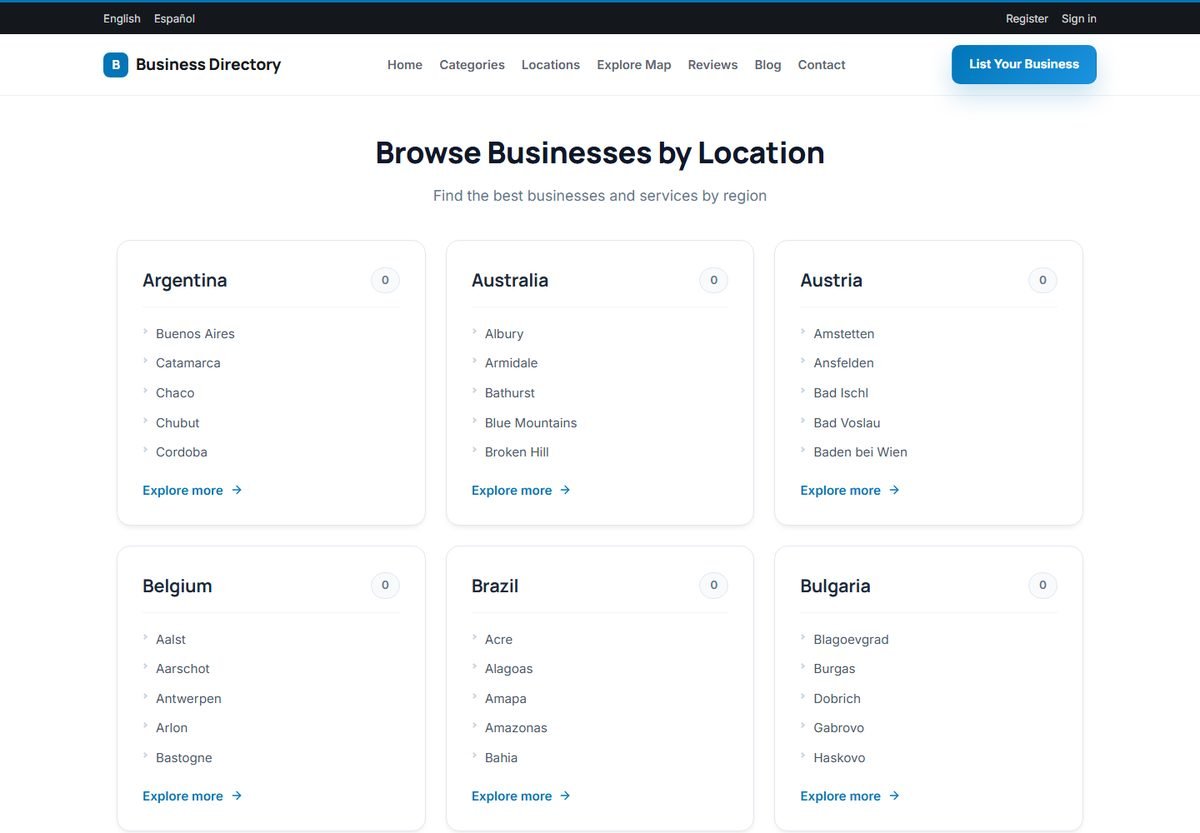
Category pages and location pages are what local search engines love: "dentists in Denver" or "IT companies in New York". The directory creates them automatically for every category and location in use.
Featured listings page
The view all link next to the Featured Listings section on the home page opens the results page filtered to featured businesses only.