The My Listings section shows every listing that belongs to the user, sorted by status: current, pending validation and expired.
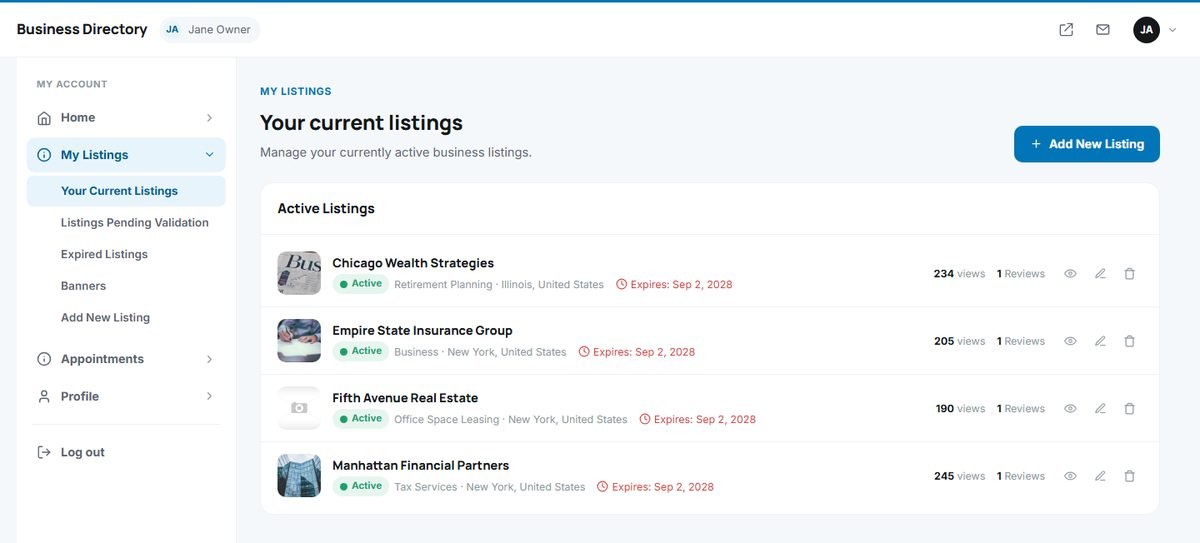
Your current listings
User Panel › My Listings › Your Current Listings
Each active listing shows its image, title, status, category, location and expiry date, with its number of views and reviews. Three actions are available on the right:
- View opens the listing on the website.
- Edit opens the listing form.
- Delete removes the listing after a confirmation. This cannot be undone.
Adding a new listing
User Panel › My Listings › Add New Listing
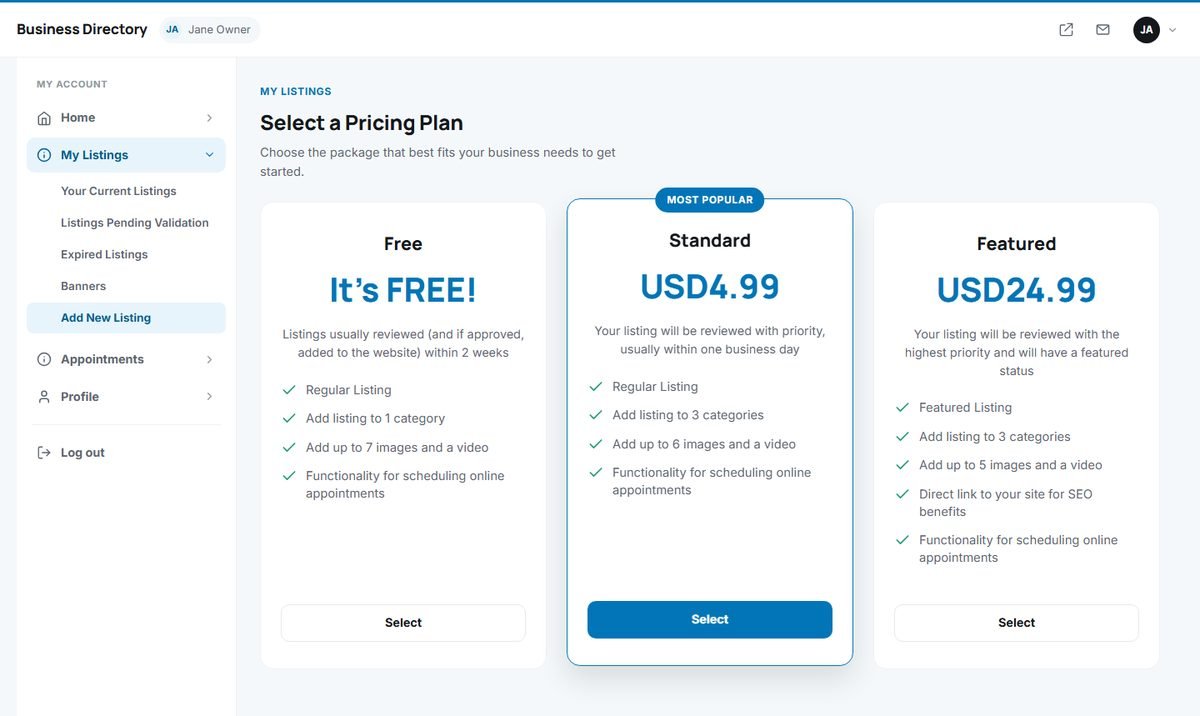
- Choose a package. The most popular paid package is highlighted.
- Fill in the listing form: categories, logo and images, business details, location and map, opening hours. The form is the same as on the website and includes the AI writing assistant.
- Submit the listing and, for a paid package, pay with one of the offered payment methods.
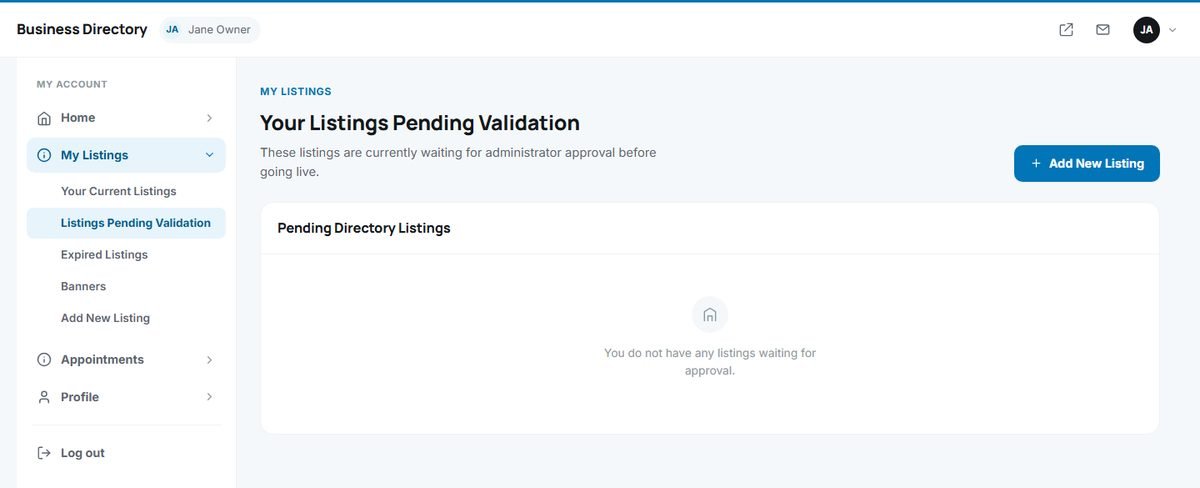
New listings appear under Listings Pending Validation until an administrator approves them, unless your directory approves listings automatically.
Editing a listing
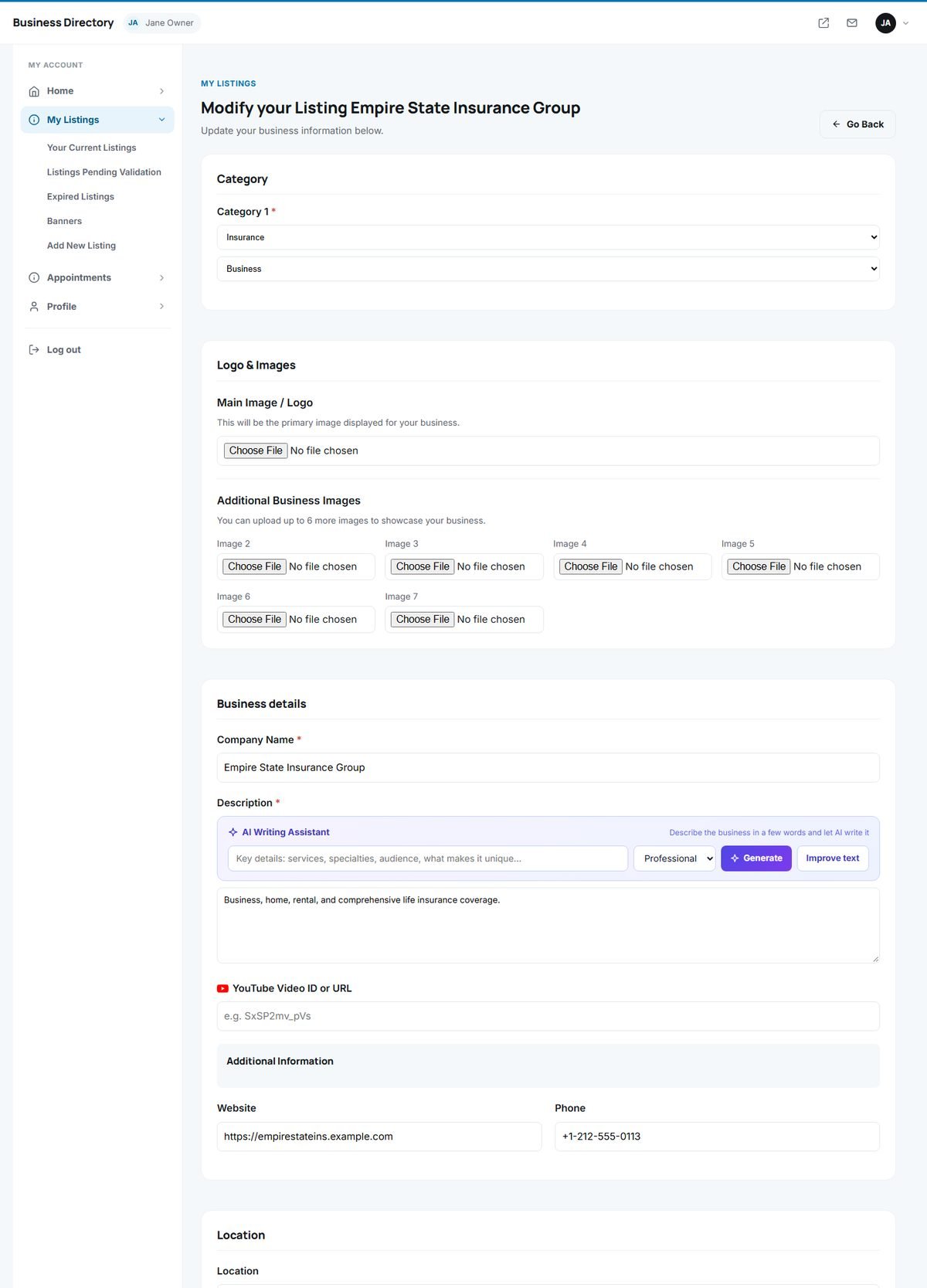
The edit form contains all fields of the listing. Owners can:
- change the categories, within the limit of their package,
- replace the main image or logo and upload additional photos, within the photo limit of their package,
- update the description (with the AI writing assistant), website, phone, YouTube video and custom fields,
- move the map pin and change the address,
- update the opening hours.
Click Save at the bottom of the form. Changes appear on the website immediately.
Pending and expired listings
- Listings Pending Validation are listings waiting for approval. They are not visible to visitors yet.
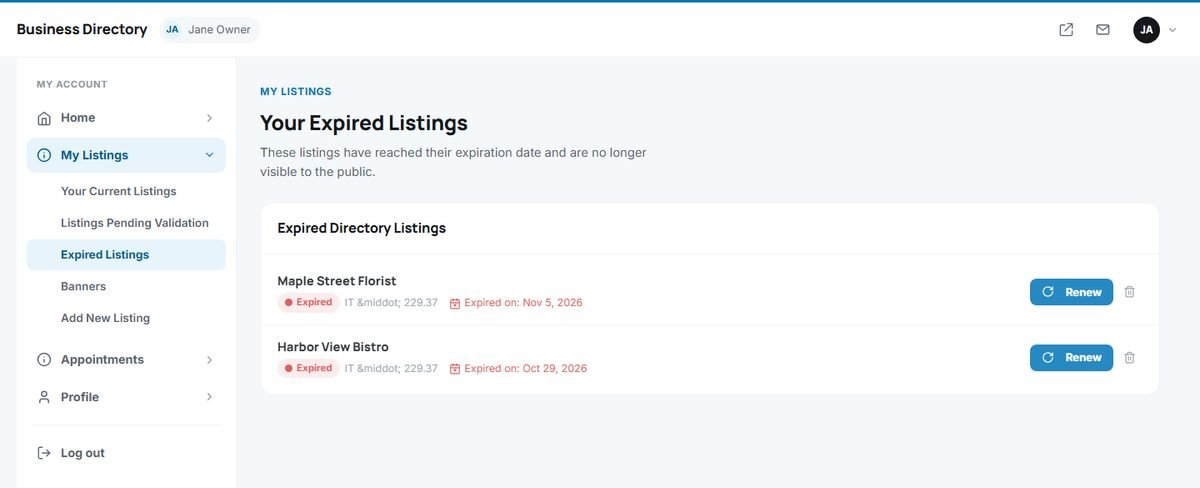
- Expired Listings have passed the end date of their package and are no longer shown on the website. Click Renew to put them back online.
Renewing a listing
User Panel › My Listings › Expired Listings › Renew
The renewal page shows the package, the expiry date, the new date after renewal and the price.
- Free packages: click Renew now. The listing is back online immediately.
- Paid packages: choose card, PayPal or bank transfer. Card and PayPal payments renew the listing as soon as they are confirmed; a bank transfer renews it when the administrator records the payment.
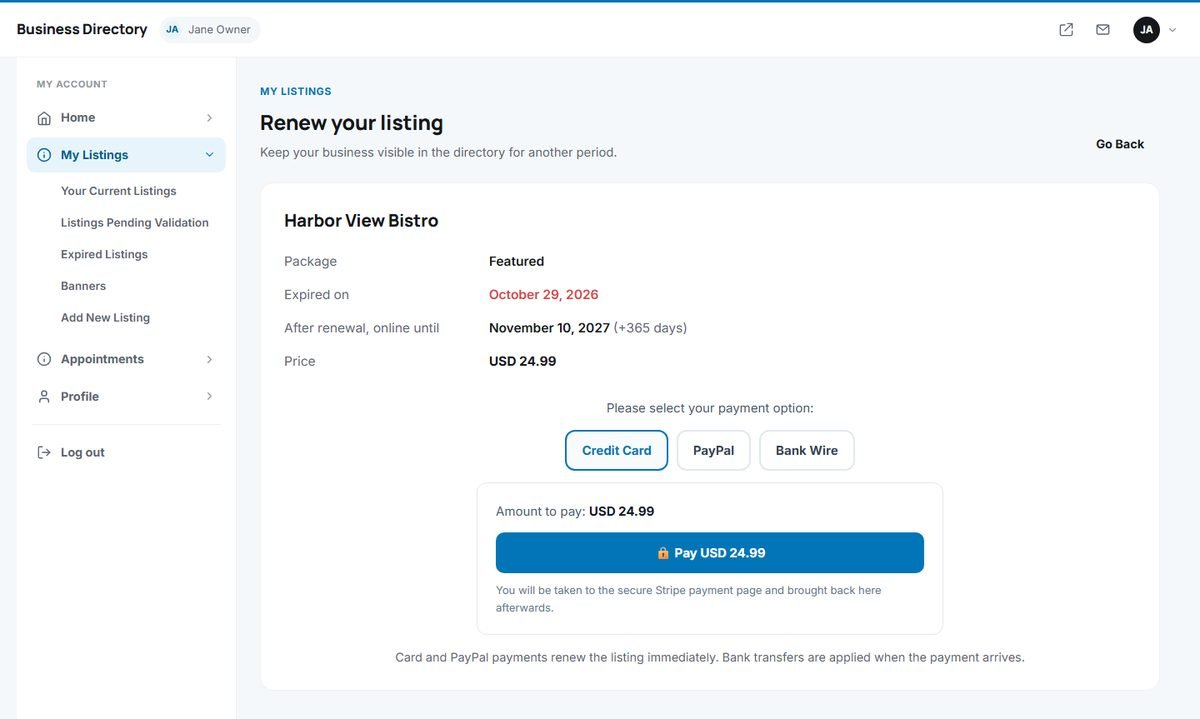
The listing is extended by the duration of its package, counted from today, or from the current end date if it has not expired yet. The administrator can also renew any listing; see Approving, Adding and Editing Listings.