Visitors do not need an account to search, review or submit a single listing. An account is useful for business owners: it gives them the user panel, where they manage several listings, read messages, take appointments and buy banners.
Creating an account
The Register link in the top bar opens the registration form:
- Username and Password for logging in,
- Your Name, Email and an optional Phone,
- an optional checkbox for subscribing to your newsletter.
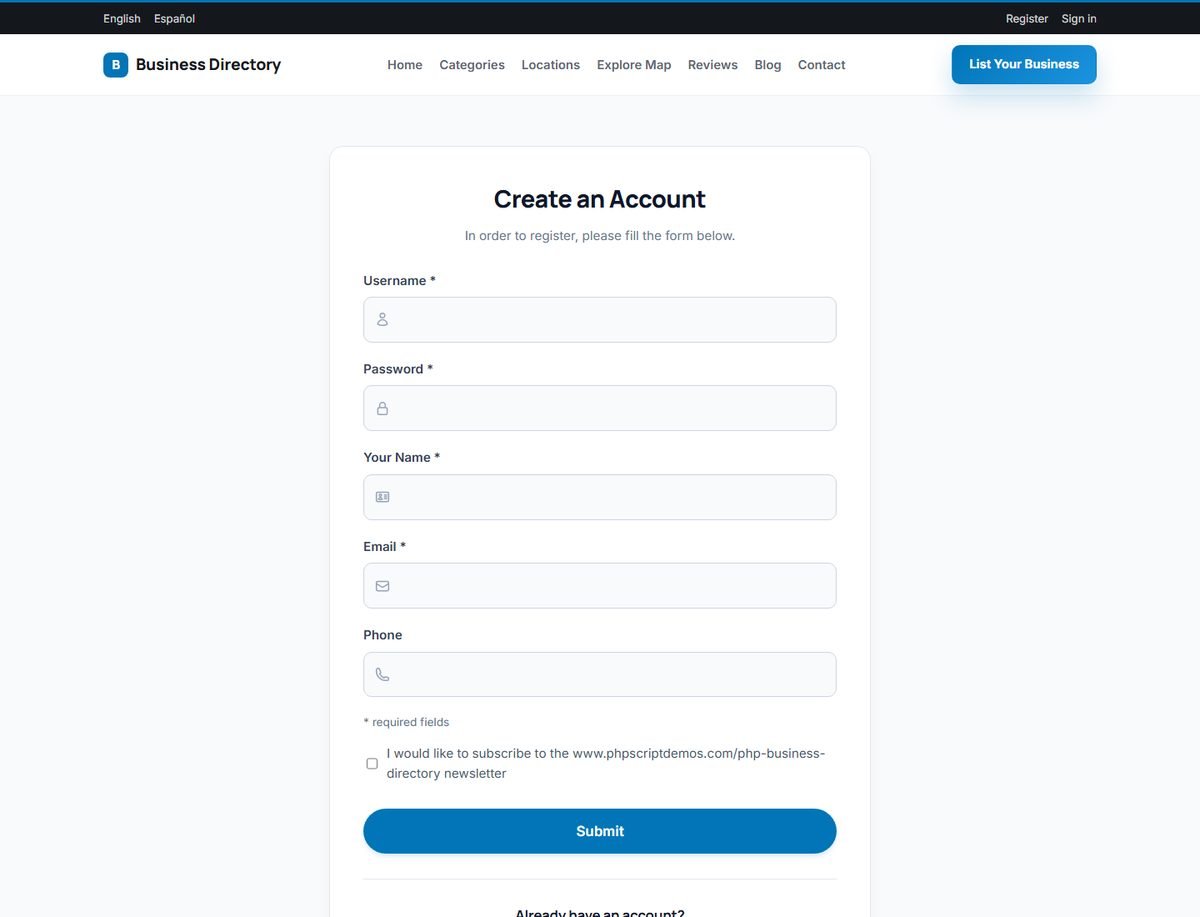
After Submit, the new user is logged in directly and taken to the user panel.
If you enable reCAPTCHA in Directory Configuration Options, the registration form is protected against automated sign-ups.
Logging in
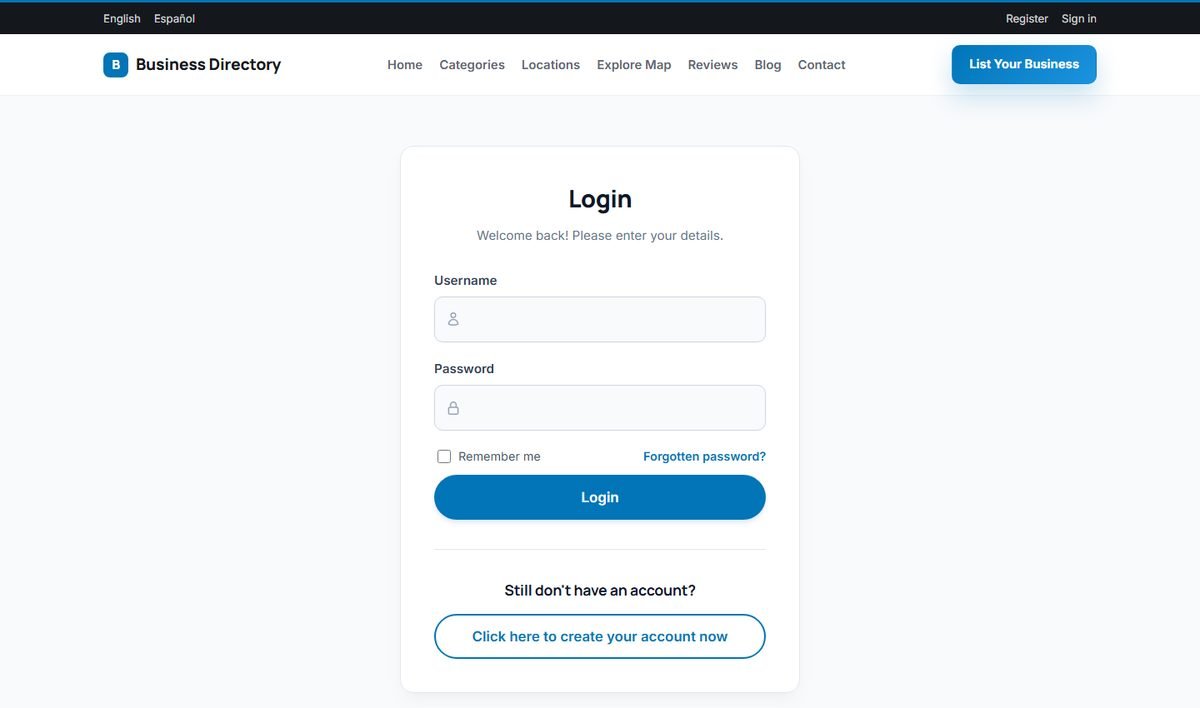
The Sign in link opens the login page. Users enter their username and password, optionally tick Remember me, and are taken to the user panel.
Forgotten password
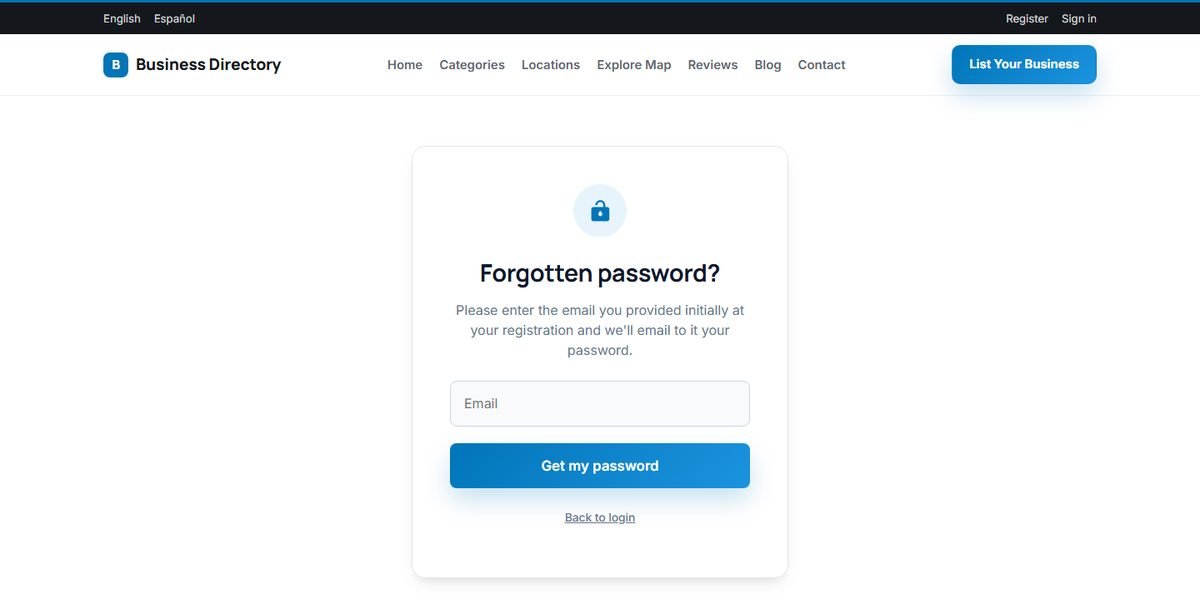
The Forgotten password? link asks for the email address used at registration. The directory emails a new random password to that address. The user logs in with it and changes it in Profile › Change Password.
Passwords are stored as secure one-way hashes, so nobody, not even an administrator, can read a user's password. That is why the reminder sends a new password instead of the old one.