The directory records its own traffic, with known robots and crawlers filtered out. The reports show the last 30 days.
Traffic reports
Admin Panel › Statistics › Traffic Reports
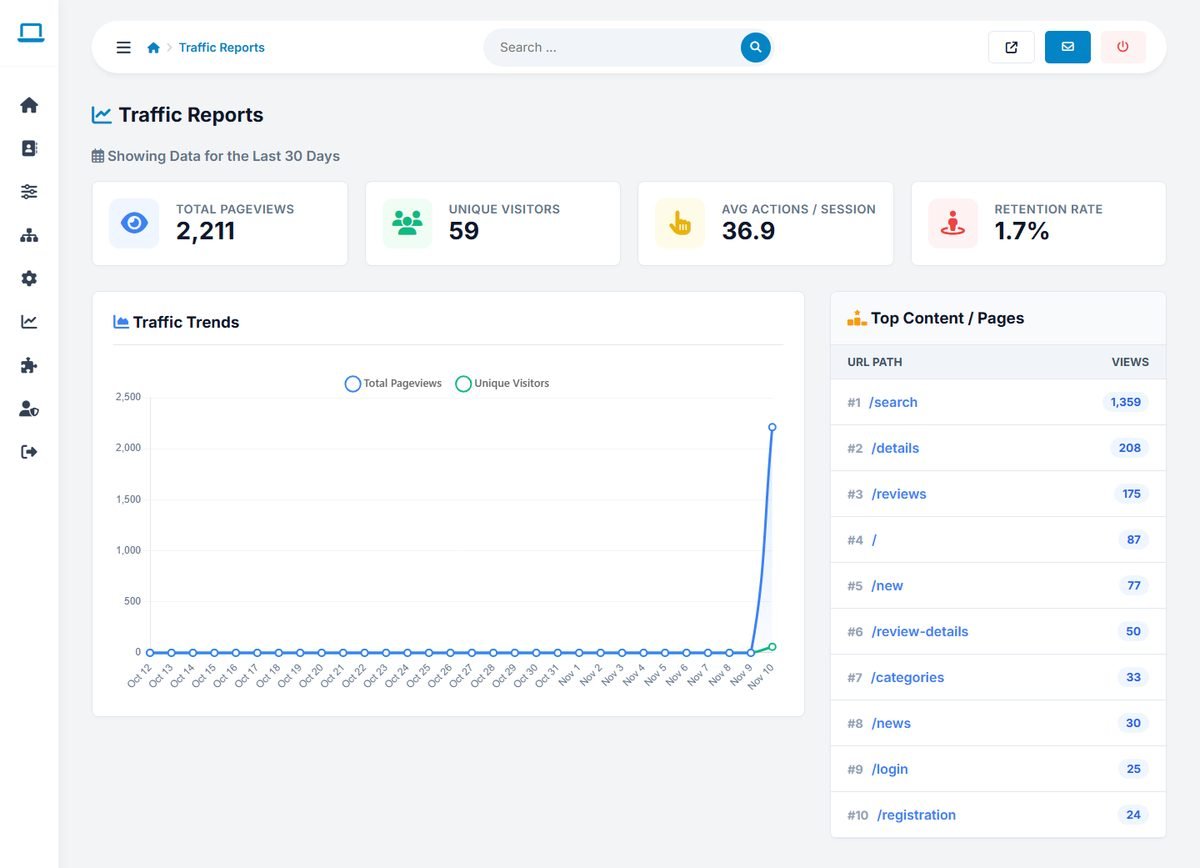
- Total Pageviews and Unique Visitors.
- Avg Actions / Session: how many pages a visitor opens on average.
- Retention Rate: the share of visitors who come back.
- Traffic Trends: a daily chart of page views and unique visitors.
- Top Content / Pages: the most visited pages.
Referrals and sources
Admin Panel › Statistics › Referrals & Sources
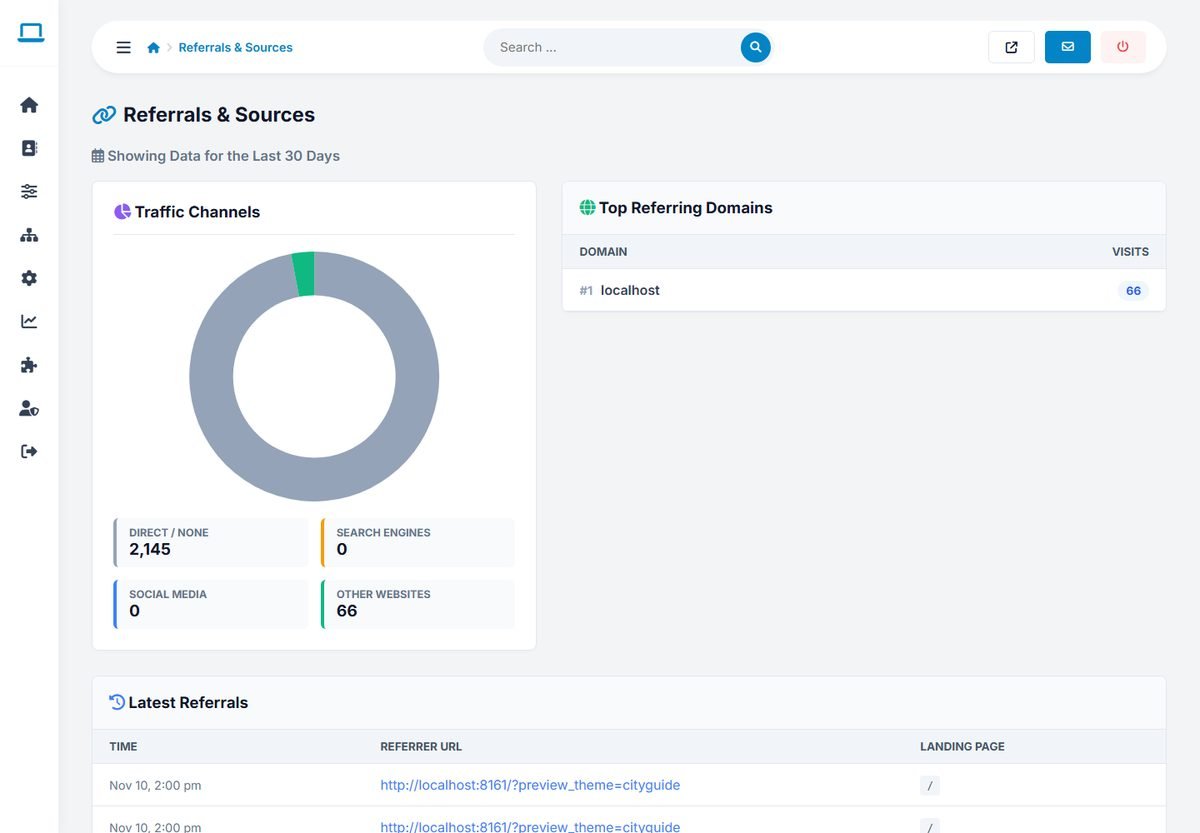
Where visitors come from: Direct / None, Search Engines, Social Media and Other Websites, with the top referring domains and the latest referrals with their landing pages.
Audience and technology
Admin Panel › Statistics › Audience & Tech
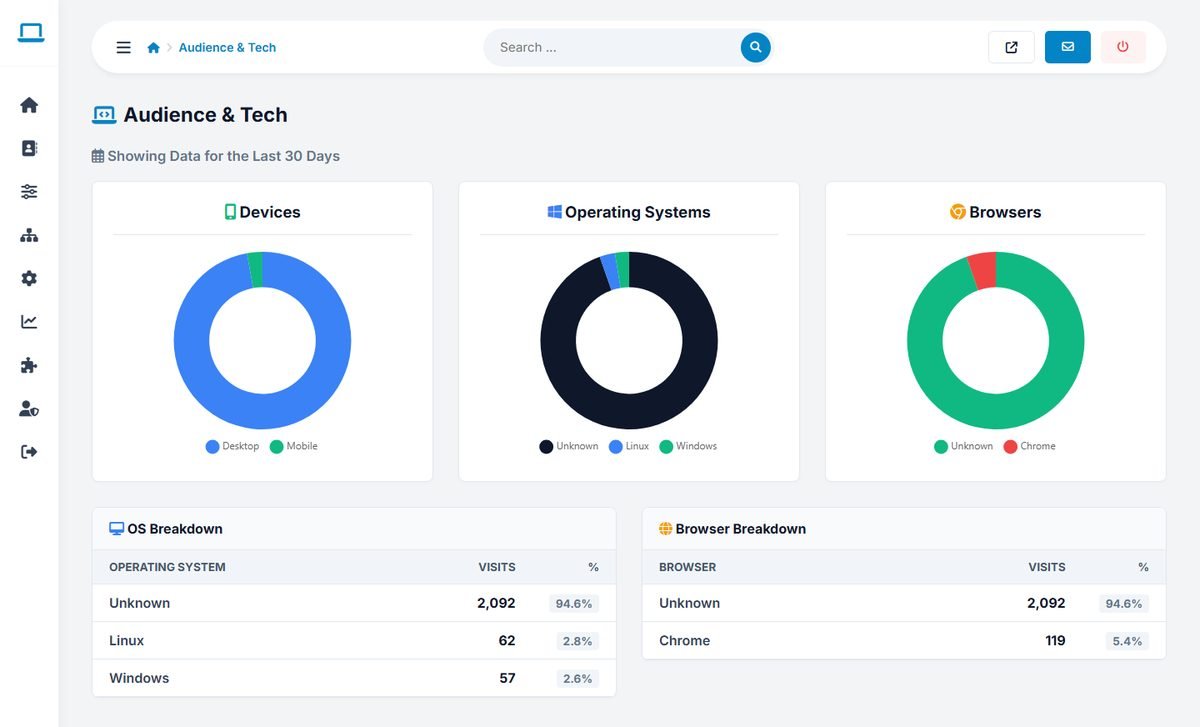
The share of visits from desktop and mobile devices, operating systems and browsers. If most visitors use phones, check your most important pages on a phone regularly.
Live activity log
Admin Panel › Statistics › Live Activity Log
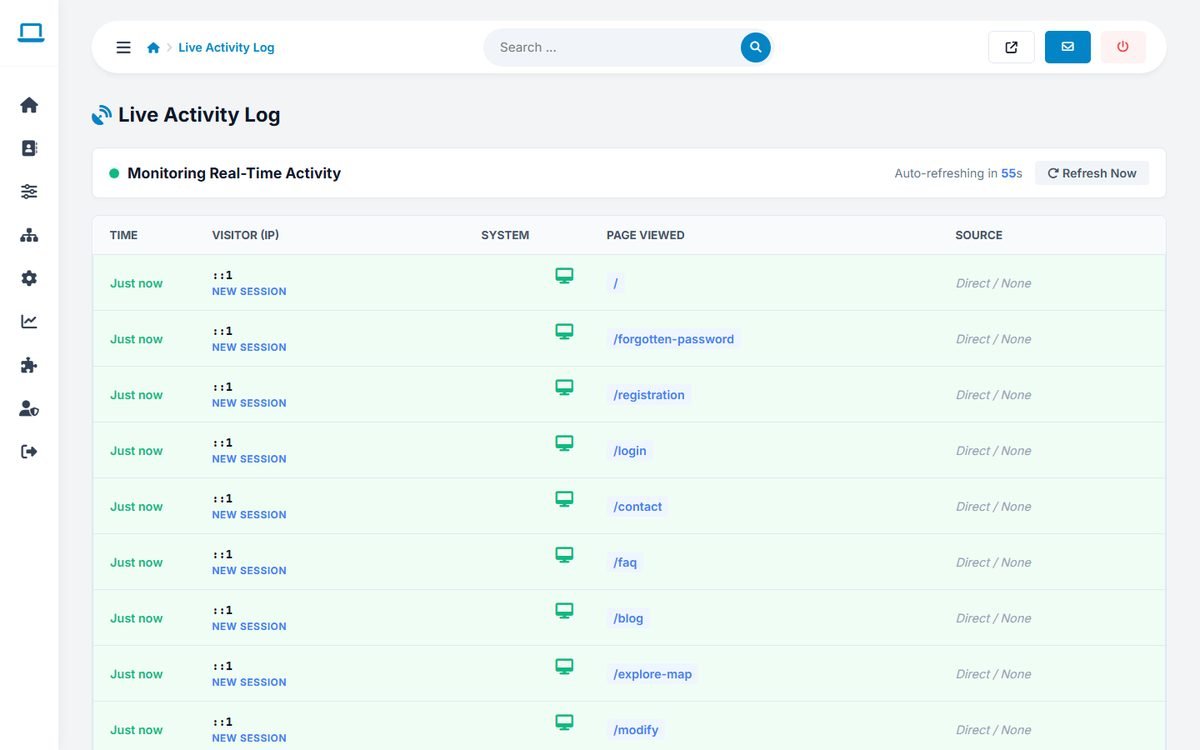
The latest page views as they happen, with the time, visitor IP address, device, page and source. The page refreshes every 60 seconds, or immediately with Refresh Now.
Business owners see the views of their own listings in their user panel. The visit counts are also shown in Directory › Current Listings.